Assembly
The Pendulum 328 is a prototype built from prototype parts with the primary goal of being an educational tool.
Should parts ever need to be re-ordered, or this process used to drive future projects, this section of the documentation details those processes!
Ordering the PCB
The Pendulum 328’s CI/CD will automatically attach new builds of the gerber files to each release, when ordering new boards, always use the release tagged Latest. (Not necessarily the release in the photo.)

This guide will use JLCPCB for ordering the boards, but we also build gerbers for PCBWay as well.

From the assets section at the bottom of the release, there should be two or more gerber zip files with each fab’s name and the Commit Hash for this build. Download the appropriate one for your fab. (In this case, JLCPCB)
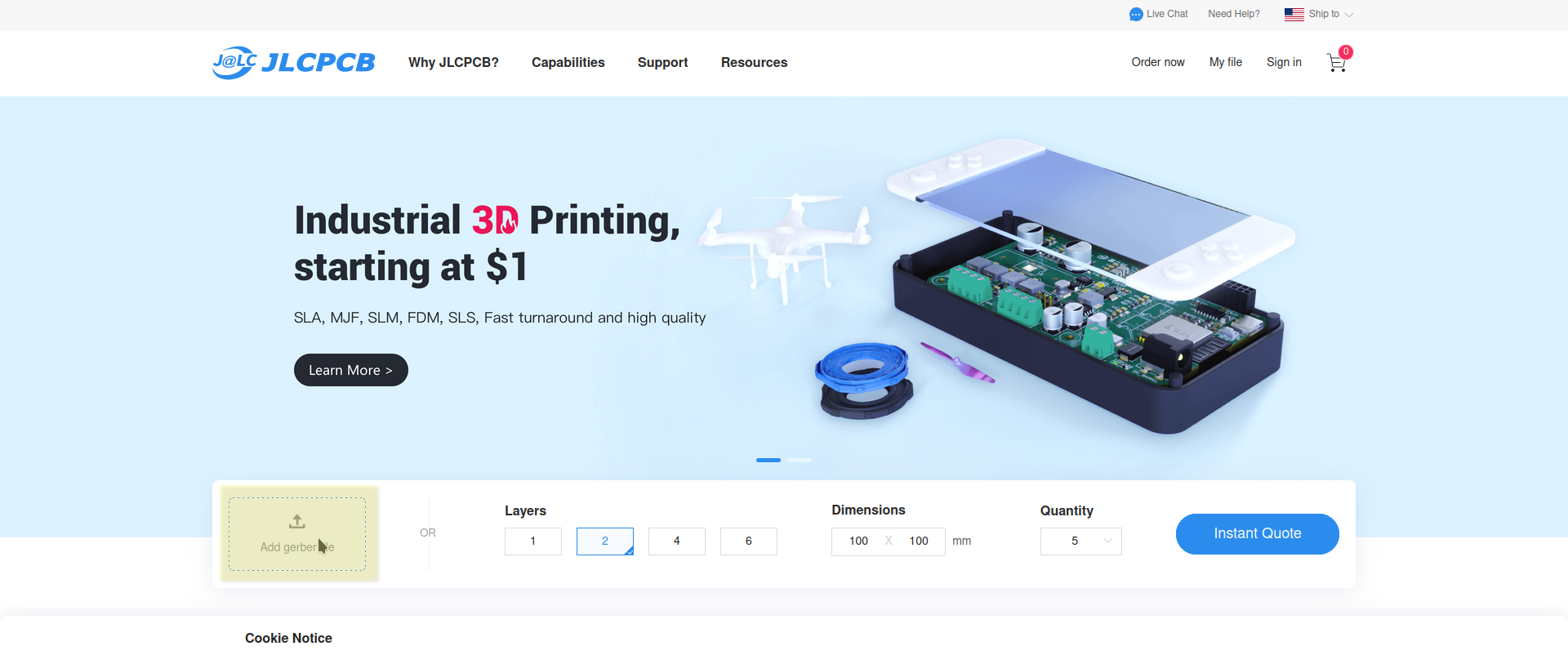
Right on the front page there is a box to upload your gerber .zip file. JLC will take you to the ordering and qouting page.
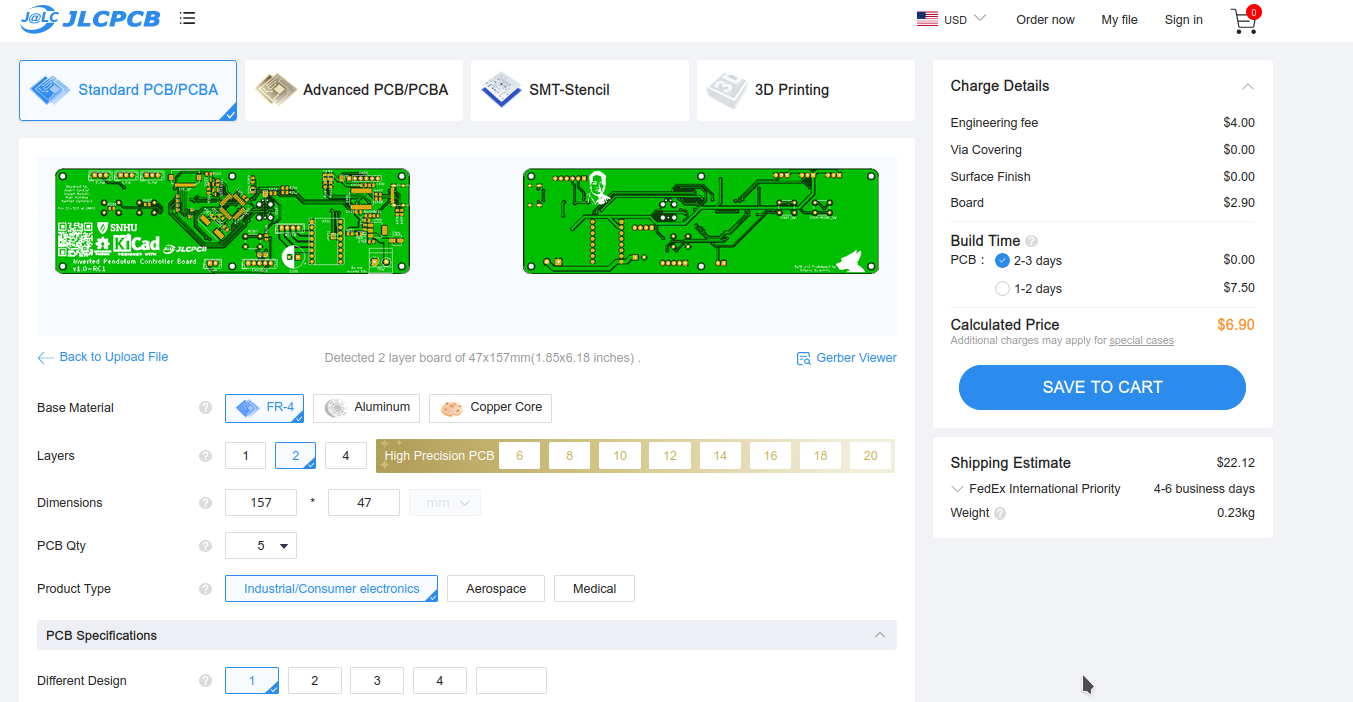
There are a few important settings we MUST change here.
Scroll to the bottom of the ordering page and find the stencil section.
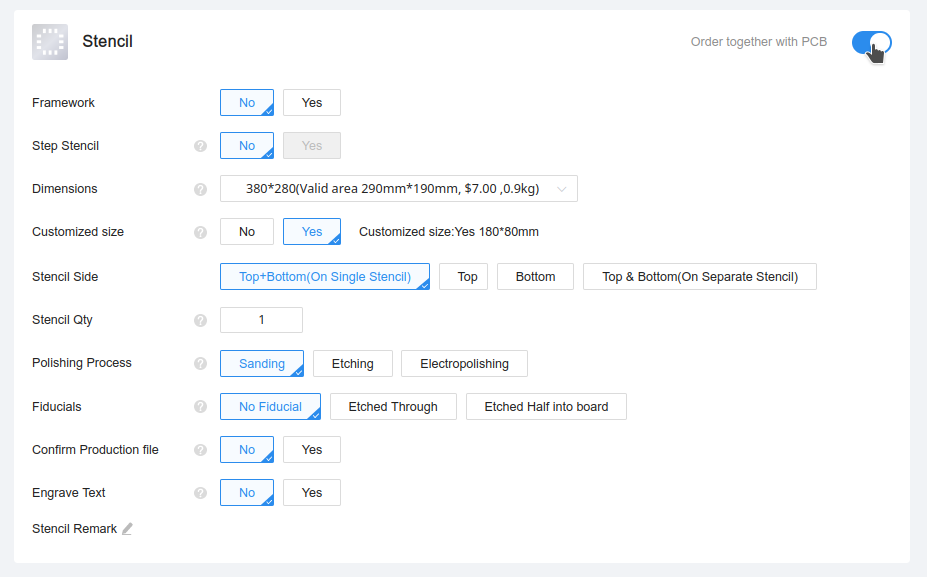
This board uses SMD components and requires a stencil.
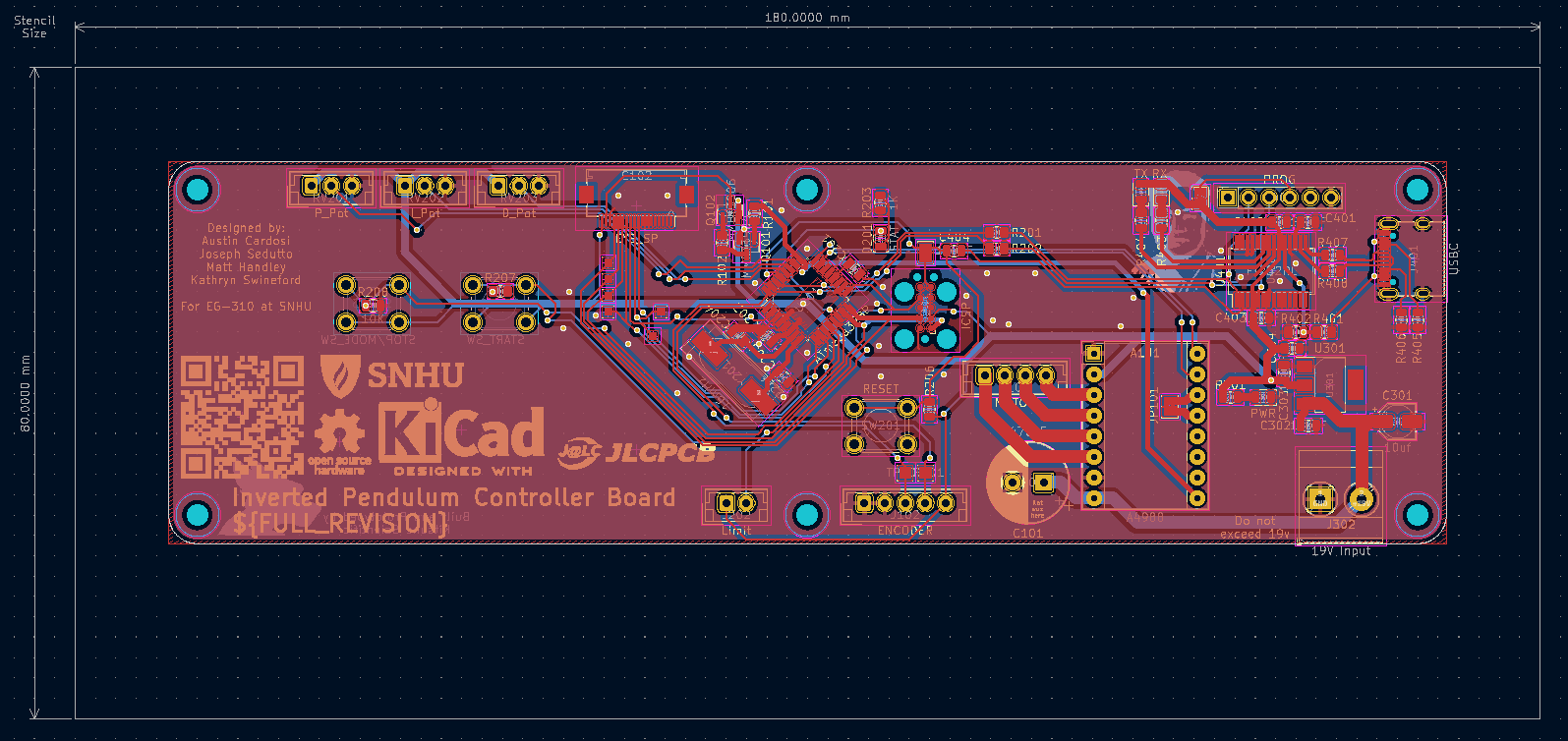
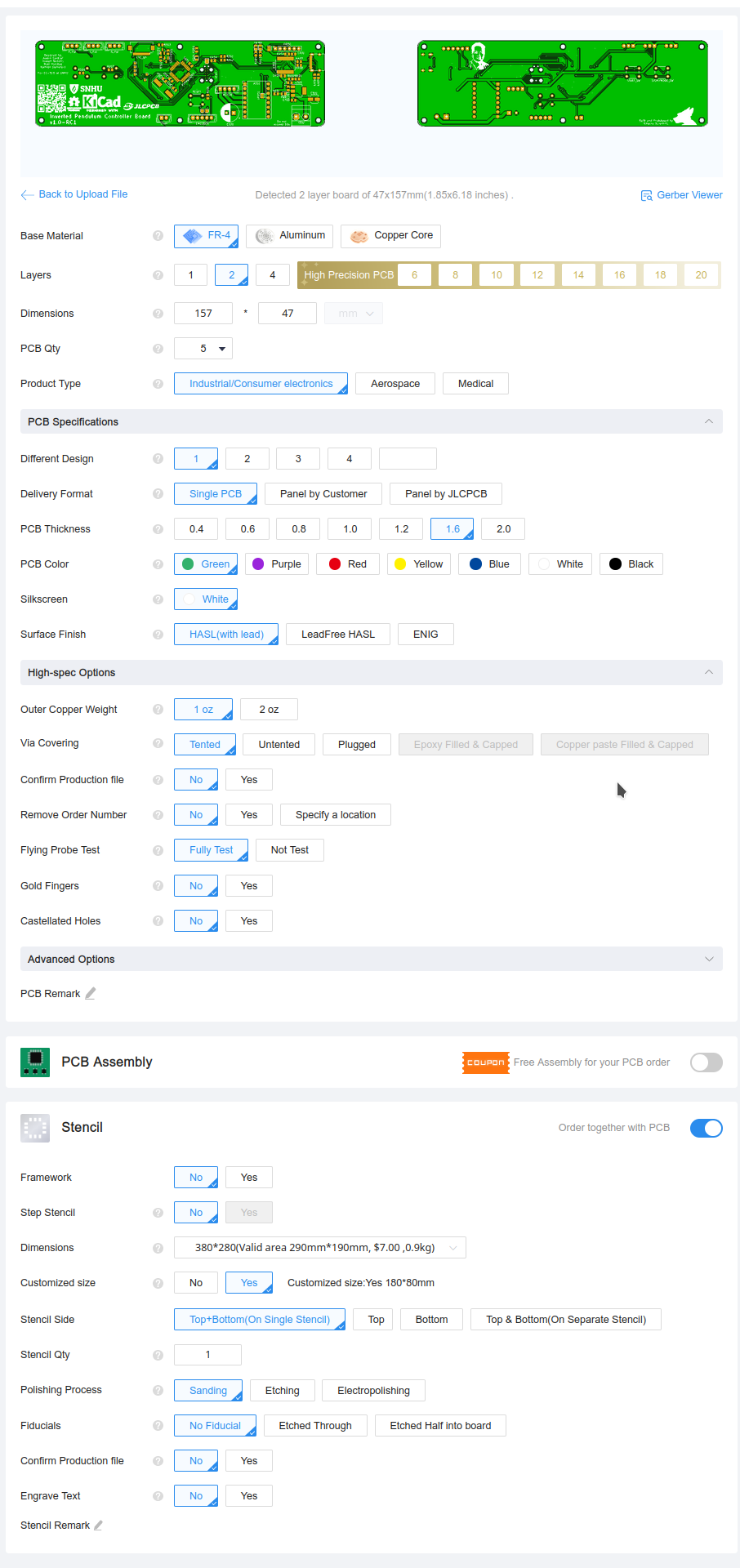
To save on cost and reduce shipping time, the stencil size must be modified, after checking the toggle to enable the stencil, find and click the Customized size button, and input 180mmx80mm.
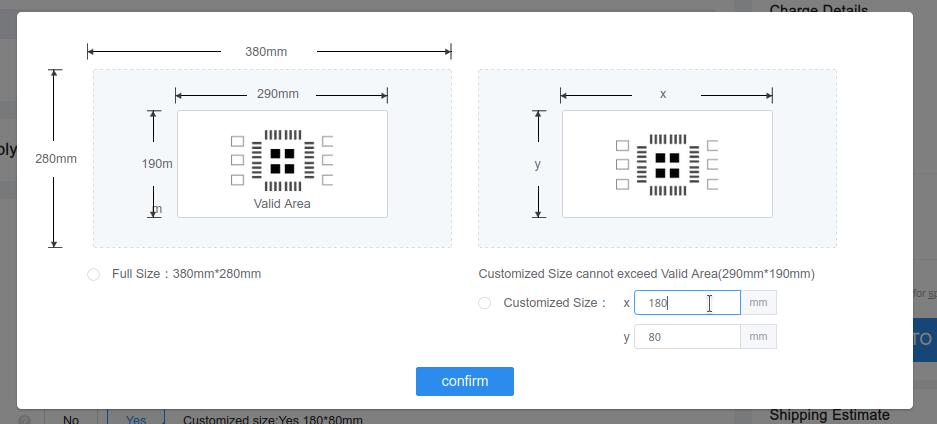
This stencil size is perfectly adequate the cover the board, and can be found within the User.Drawings layer in KiCAD.
All Other defaults should be acceptable, and at the end the order should look something like this:
Good luck!